
Monthly
$14.99/ month
$14.99 billed monthly
CREDITS
600 credits / mo
- $0.025 per credit
- Cancel at any time
- Full source resolution, no downscale
- No watermark on your results
- Every image and browser tool included
Box the text and erase.tools rebuilds the background behind it. Straight in the browser, at full resolution, with no blur patch left behind. Photo tools too — objects, backgrounds, faces.
MP4, MOV or WebM · 500 MB · 10-credit free trial


WORKS WITH THE FILES YOU ALREADY HAVE
Instead of one app per job, every tool here works the same way: mark the part you want gone, and get the file back whole. Photo and video, one editor, no installation.

Brush over anything in a photo — a person, a sign, a passing car — and the background behind it is rebuilt.
Open tool →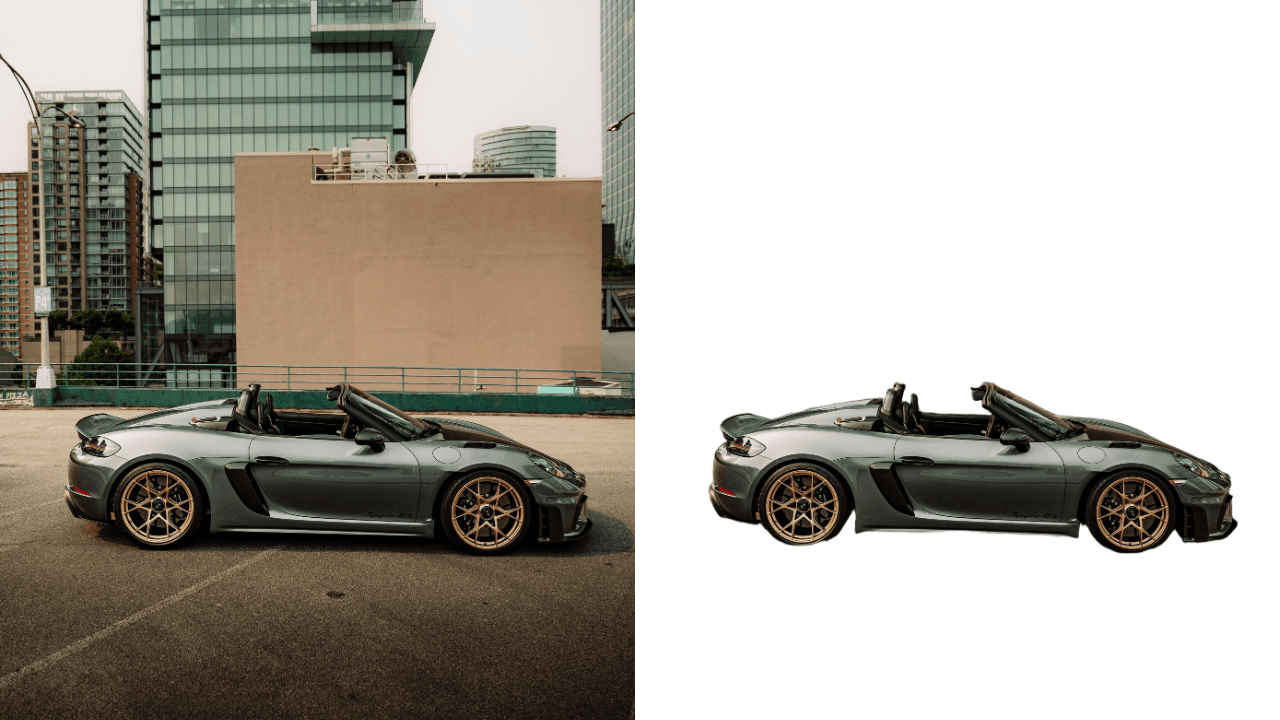
Cut the subject out at full resolution. Export a transparent PNG, or drop a plain white backdrop behind it.
Open tool →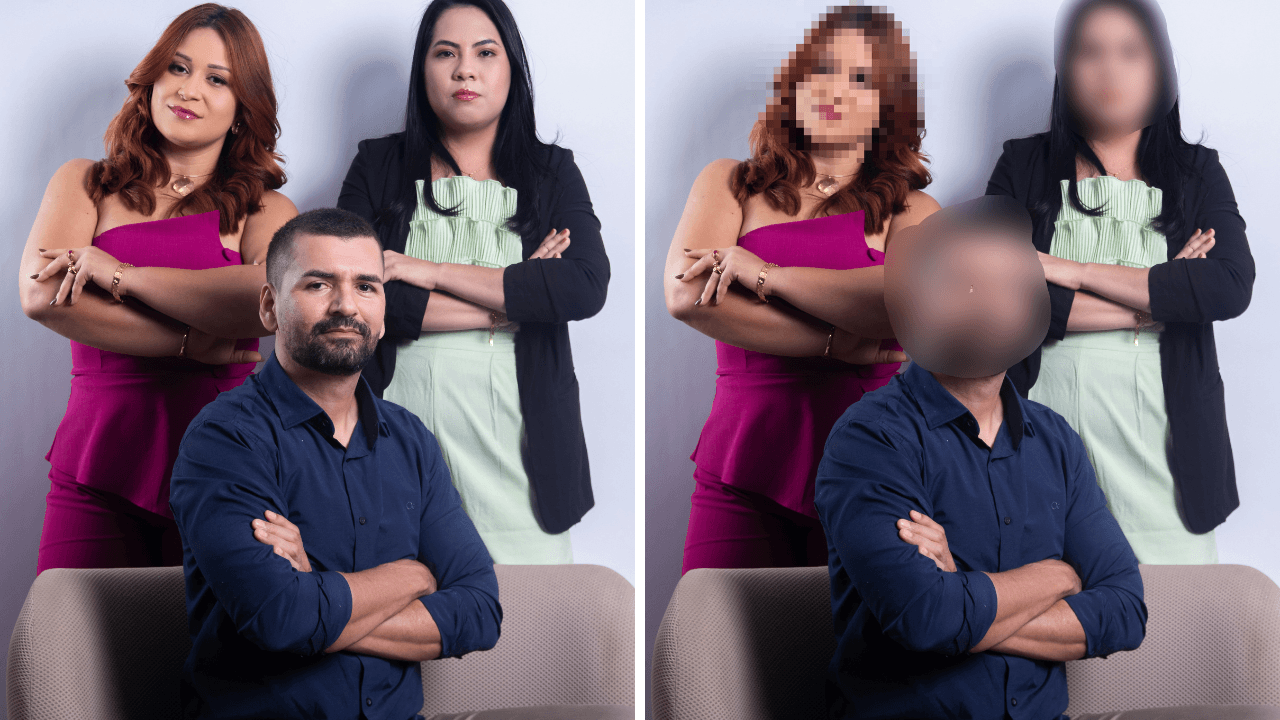
Hide a face, a name, a plate or a whole screenshot. Soft blur or block mosaic, at any strength.
Open tool →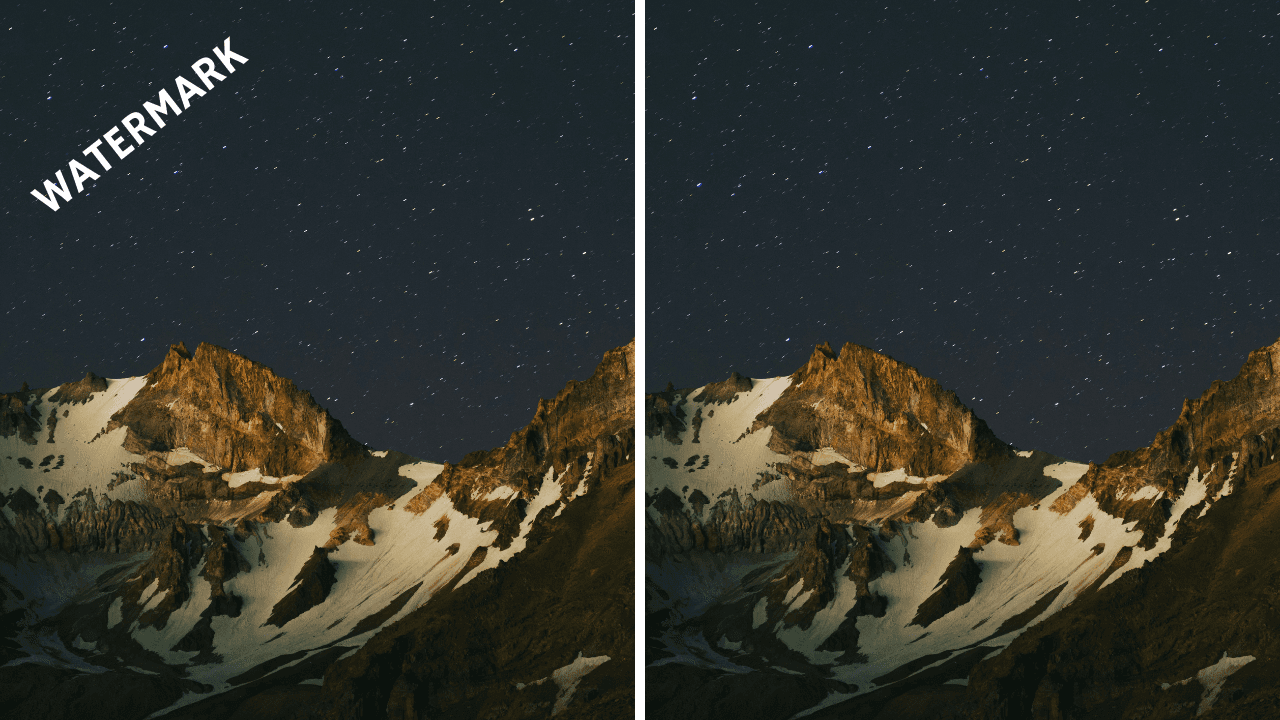
Tracking locks onto the mark across the timeline, so a bouncing platform stamp only needs marking once.
Open tool →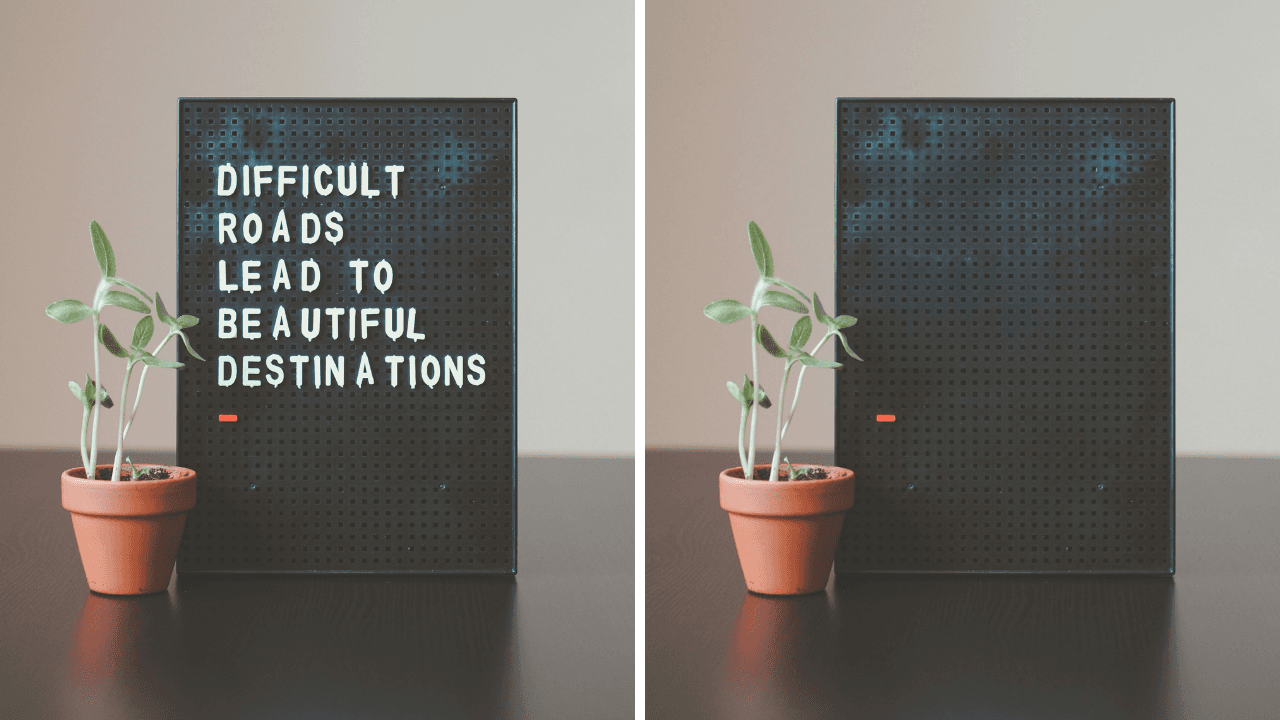
One box over the caption band clears burned-in subtitles, titles and timestamps for the whole clip.
Open tool →HEIC to JPG, WebP to JPG or PNG. These run on your own device, so nothing is uploaded.
Open tool →Draw one box over the caption band and it clears for the whole clip. Because the text sits on a flat area, results there are usually indistinguishable from a clean master.
Remove text now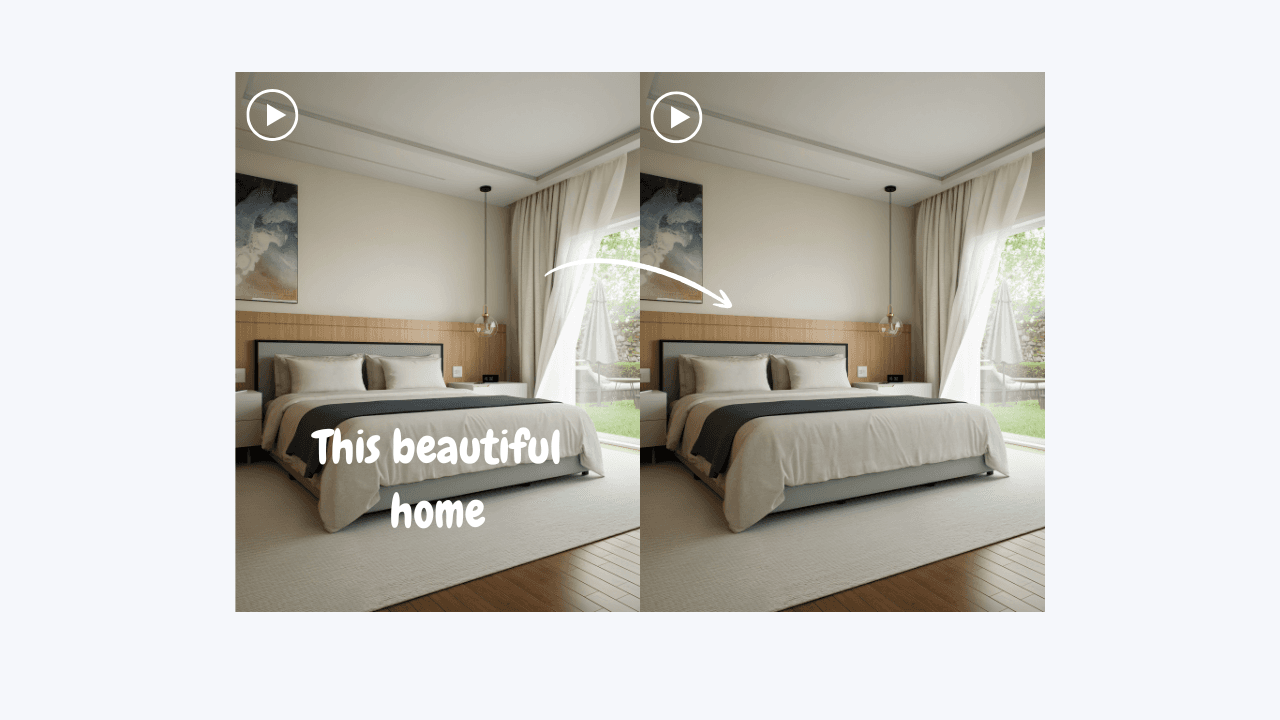
We rebuild only the pixels inside your selection and pass the rest of the frame through untouched — same resolution, same bitrate, same container. A 4K clip comes back 4K.
Remove text from video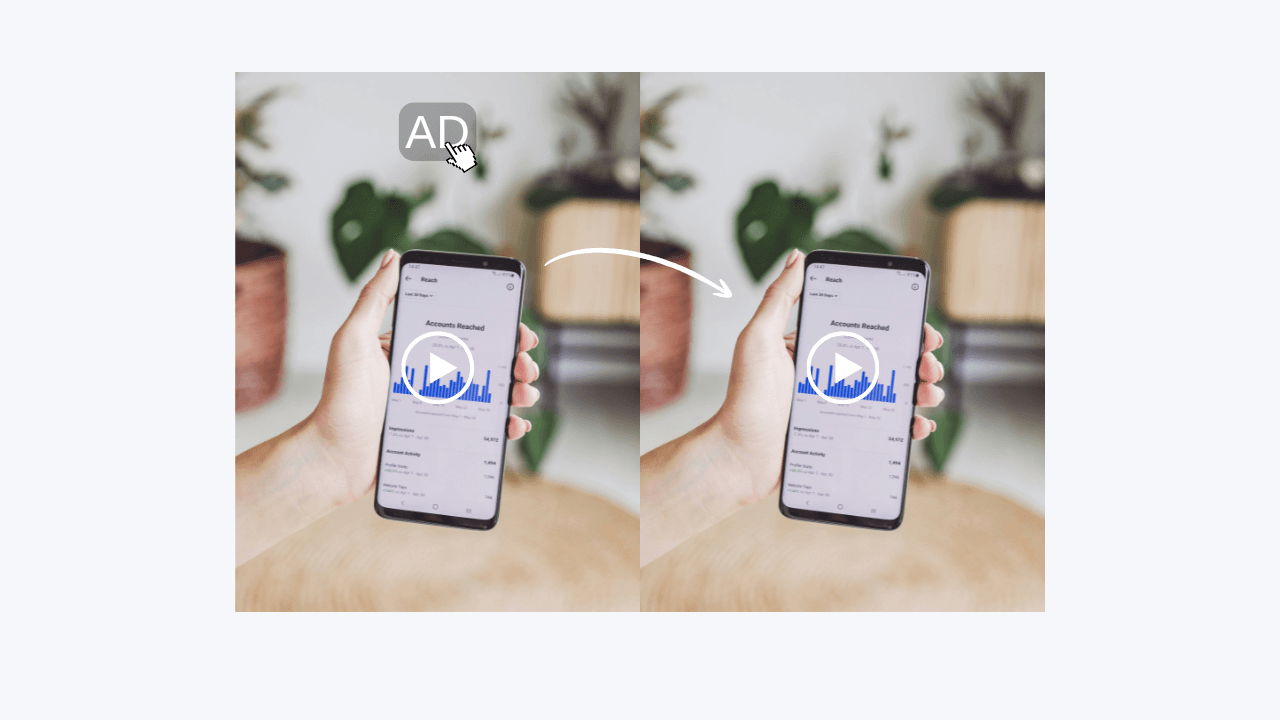
Tracking locks onto the mark across the timeline, so a bouncing platform stamp only needs marking once. The background behind it is rebuilt, not blurred or cropped away.
Remove a watermark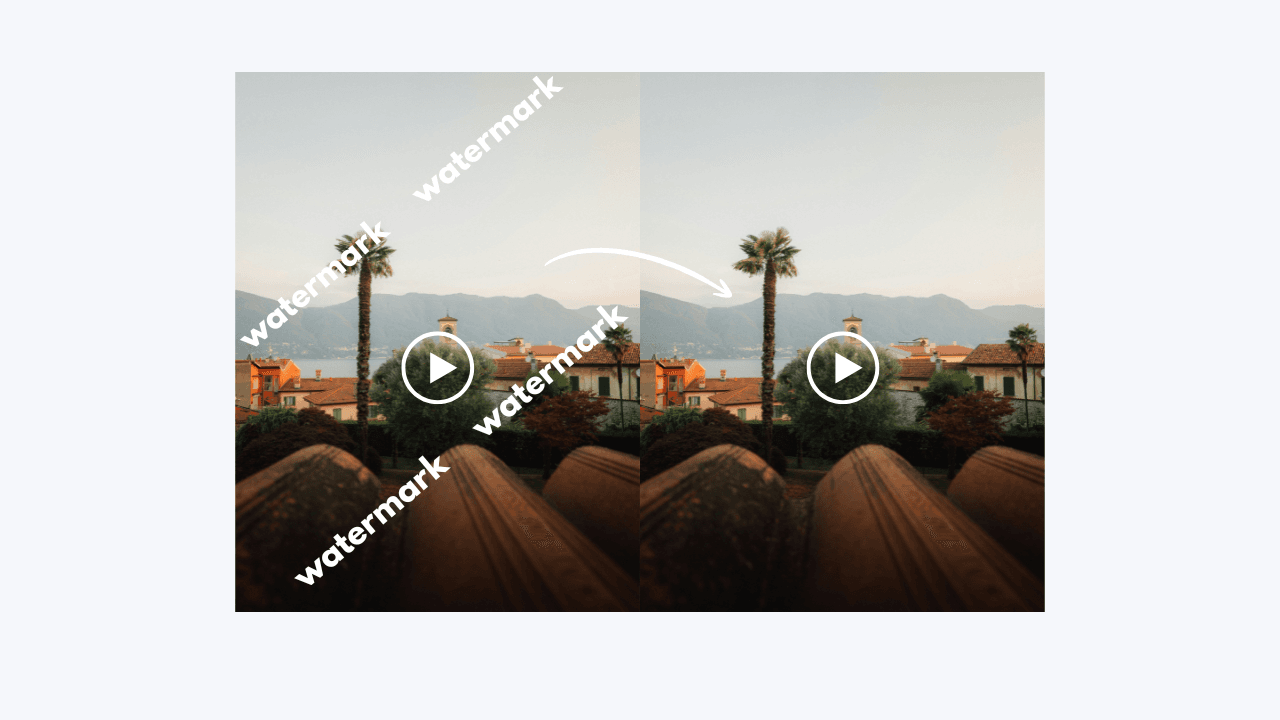
Never — not on the free tier either. What you export is your file with something removed and nothing added.
Upload a file free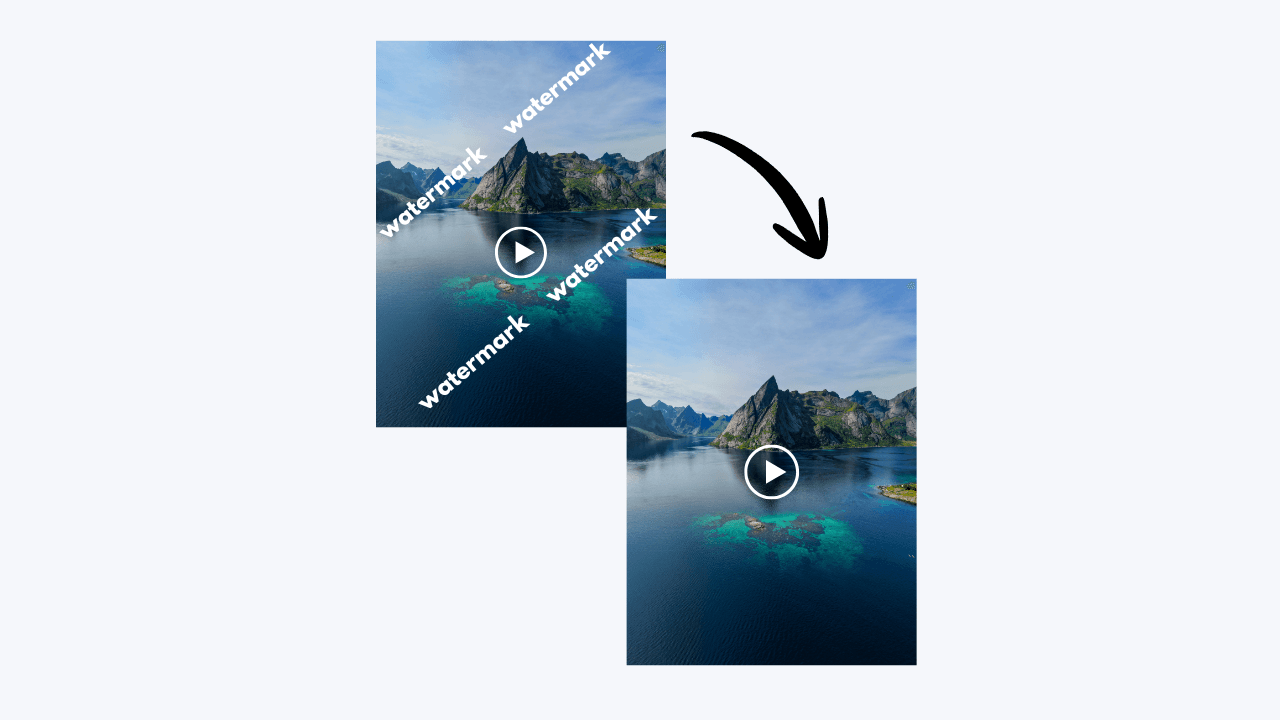
Every plan opens every tool. A longer term lowers the price of each credit and adds more credits each month, up to 67% off.
$14.99/ month
$14.99 billed monthly
CREDITS
600 credits / mo
$12.50$14.99/ month
$74.99 billed every 6 months
CREDITS
750 credits / mo
$5$14.99/ month
$59.99 billed yearly
CREDITS
900 credits / mo
1 credit processes 1 second of video · 10-credit minimum for each video
Three steps, one page. Nothing to install and nothing to learn.
Choose an MP4, MOV, or WebM clip up to 500 MB and 90 seconds.
Detection pre-selects static stamps and captions. Paint over anything else — edges don't need to be tight.
Same resolution, same bitrate, no stamp of ours in the corner. Download or send it straight on.
Six things that stay true on the free tier, not only on the paid one.
Brush over what shouldn't be there. Edges don't need to be tight, and no professional expertise is needed.
Same resolution, same bitrate, same container. The rest of the frame passes through untouched.
Nothing added to your export, on any tier. What you download is your file, cleaned.
Drop up to 50 files at once and apply the same selection region across all of them.
No installation required. Upload a clip, mark a region and export, all on one page.
One POST with a file and a region, one signed URL back. SDKs for JS and Python.
Every alternative below works. Each one takes something out of the file on the way through.
You take one watermark off and get another one back, usually bigger and in the corner you cannot crop.
Nothing is added to your export, on the free tier and on Pro alike.
A blur patch marks exactly where the thing was. Everyone can still see that something was taken out.
The pixels behind your selection are rebuilt from the surrounding frame.
Cropping changes the aspect ratio and throws away picture you paid to shoot, to hide one corner stamp.
The frame you get back is the frame you uploaded.
They can all do this — after an install, a licence, a tutorial and an afternoon of masking and tracking.
One page, one rectangle, one export. Nothing to install.
A 720p preview file is a paywall wearing a costume. The full-quality version is the thing you have to buy.
A free account includes one 10-credit video trial at full resolution. Pro processes clips up to 90 seconds. A 4K clip comes back 4K.
A HEIC photo or a screenshot of your bank details goes to somebody's server to be turned into a JPG.
HEIC to JPG, WebP to PNG and JPG, blur, pixelate, censor and face blur run entirely in your browser. No upload, no account.
Still stuck? The docs go deeper, and support answers in a day.